


The 10 best AI powered tools for product marketing to create SaaS product demos
Introduction
Buyers increasingly want to explore your product without waiting for a live call: Gartner reported that 61% of B2B buyers prefer an overall rep free buying experience. That shift is exactly why modern product demo experiences have become a product marketing priority vs. a presales asset.
From our perspective at SalesWings, the timing matters because AI has changed the demo production curve. You can now create interactive click through demos, polished narrated videos, and persona specific demo paths in hours, while still keeping quality high enough for a SaaS launch page, paid ads, onboarding, and sales follow up. This guide solves the real problem product marketing managers face: choosing the right AI tools to produce demos that look great, tell a clear story, and generate measurable engagement data.
If you are a product marketing manager juggling positioning, launches, enablement, and web conversion, this list is built for you, especially if your team has limited design or engineering bandwidth, and you still need demos that convert.
Let’s get into the tools that help you ship better demos faster.
TL;DR
The fastest wins that you can get from AI solutions to create your SaaS demos usually come from a hybrid approach: one interactive demo platform for self serve exploration, plus an AI video polishing workflow for launches and ads. The tools below cover click through demos, sandbox style environments, guided tours, and AI assisted editing, so you can pick what matches your demo motion and your buyer journey.
Our top 3 picks are:
Selection criteria and methodology
To build this list, we focused on tools that directly help product marketers create SaaS product demos, not general purpose AI tools. Each selection was evaluated on demo creation speed, quality of the final experience, ease of updating demos as the product changes, sharing and embedding options, and the availability of engagement analytics that product marketing teams can actually use.
We also prioritized tools that are consistently reviewed in the demo automation category on G2, and we leaned into platforms that explicitly support AI assisted creation or AI assisted polishing, because that is where teams see the biggest time savings today.
Quick categories to help you pick faster
AI polished demo videos from rough recordings:
For the product and implementation angle, see SalesWings Video Demo.
Interactive click through demos and tours:
Demo environments and presales grade personalization:
How do product marketers use AI to create product demos
AI powered product demo creation is the use of automation to capture product flows, enhance the story, and produce reusable demo assets with less manual editing. In practice, AI helps product marketers turn a rough walkthrough into an interactive experience or a polished video, while keeping updates fast as the product changes.
Most product marketers use AI in three places. First, capturing and generating demo steps faster, for example turning a click path into a guided tour with annotations and chapters. Second, improving narrative quality, such as rewriting messy narration into a clear script, generating voiceover, or producing persona specific variants. Third, optimizing outcomes by learning from engagement data and iterating the demo flow based on where prospects drop off.
When done well, AI does not replace product marketing judgment. It compresses production time so you can spend more effort on messaging, audience fit, and the moments in the demo where buyers decide whether to keep exploring or bounce.
Top AI tools product demo product marketing teams trust in 2026
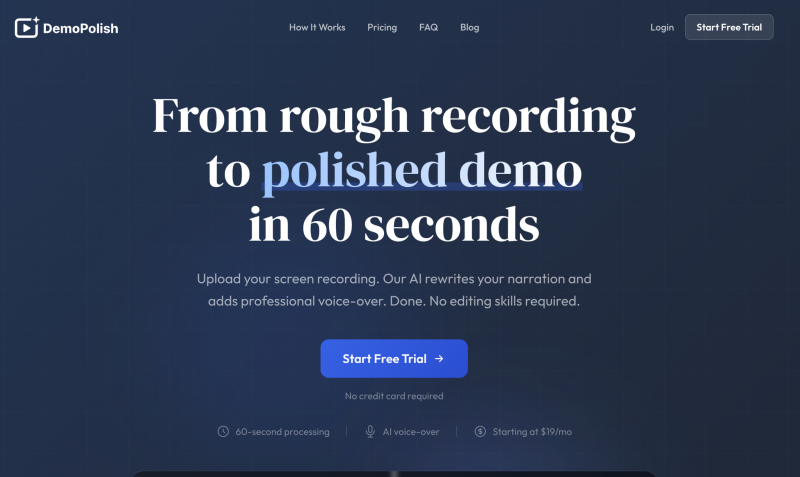
DemoPolish: rough recordings in, polished demo video out; for startups
Deep Dive: DemoPolish focuses on the moment every product marketer knows too well: you finally recorded a walkthrough, but the narration was messy, the pacing was off, and editing will take hours. DemoPolish takes that rough screen recording and automates the polish, rewriting narration for clarity and adding professional AI voiceover, with a turnaround positioned around minutes. The result is a cleaner demo video you can publish on a landing page, ship with a launch email, or use in paid social.
This tool is particularly interesting if your team does not want to learn a complex video editor, or if your PMM org needs to ship many short feature demos per quarter. Instead of chasing the perfect take, you can record once and let AI tighten the script and delivery. That helps you maintain velocity and reduce the perfection trap that often delays demo content.
In the market, DemoPolish sits more in the AI video polishing niche than the interactive demo automation niche. It is best treated as a complement: use interactive tools for self serve exploration, and DemoPolish for highly shareable launch videos.
Key Features:
Best For: DemoPolish is best for product marketing managers who need polished demo videos but do not want to spend time in a traditional editor. It is a strong fit for early stage and mid market SaaS teams where PMMs wear multiple hats and video production resources are limited. It is also useful when you are producing short feature explainers for new releases, because you can ship more videos per month without adding headcount. If you rely on Product Hunt, LinkedIn, or email launches, a polished narrated video often performs better than a raw screen capture. It also works well for teams with subject matter experts who can record a rough walkthrough but are not professional presenters. If you already have an interactive demo platform, DemoPolish can fill the gap for video first channels like ads and social. Finally, it is helpful when you have a tight deadline and need acceptable quality fast.
G2Crowd Rating: Not currently listed on G2 (as of March 2026)
Pros and Cons (based on public product positioning and early user feedback):
Why we picked DemoPolish: Product marketers often delay demo videos because editing is a time sink. DemoPolish is a sharp solution to that specific bottleneck, letting you turn a rough but informative walkthrough into a publishable asset without becoming a video editor. That is a meaningful AI leverage point for PMMs.
We also like the strategic fit: it complements interactive demo tools rather than competing with them. If your funnel includes social, email, and launch pages where video is the fastest way to communicate value, DemoPolish can help you produce more content with less friction.
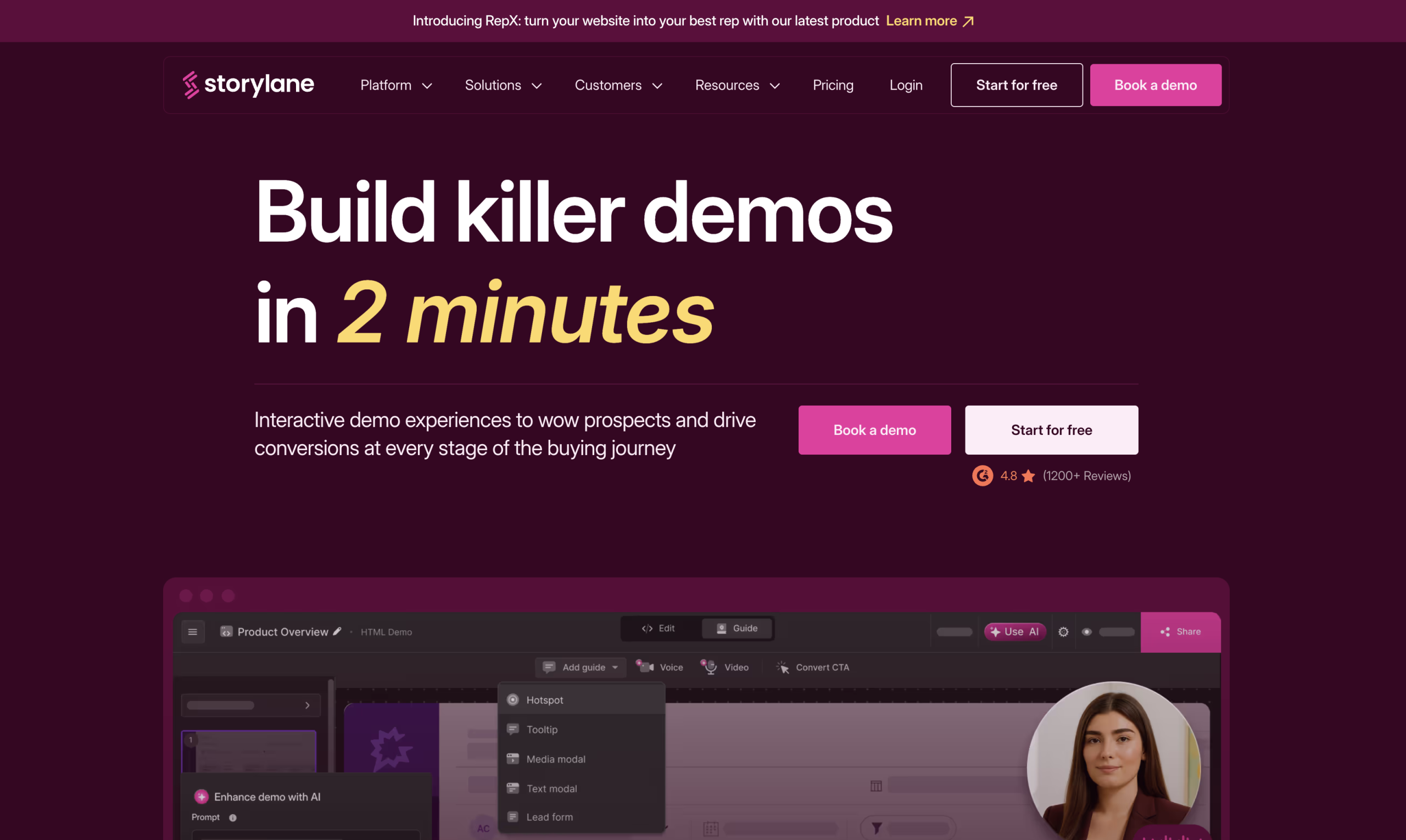
Storylane: AI assisted interactive demos that convert
Deep Dive: Storylane is built for product marketing and GTM teams who want prospects to click through a product story in minutes, not watch a long video. Instead of shipping static screenshots, you can assemble a guided demo with steps, overlays, branching, and strong branding controls, then embed it on landing pages, docs, and campaign destinations. The platform’s positioning is very marketing forward, which shows up in how quickly you can build a narrative flow and how easily you can reuse it across channels.
For product marketers, the practical advantage is speed plus consistency. You can capture a workflow once and then create variants for different personas, industries, or funnels, without rebuilding from scratch. That makes it easier to align website messaging, sales enablement, and onboarding around one coherent demo story.
Storylane also fits teams who want more than a top of funnel teaser. With analytics and share options, you can treat demos like a measurable content asset, not a one off artifact for a launch week.
Key Features:
Best For: Storylane is best for product marketing managers who need interactive demos across the full funnel, including landing pages, paid campaigns, and nurture sequences. It works well when your product has a clear core workflow you can demonstrate in 6 to 20 steps, such as onboarding, reporting, automation setup, or integrations. It is also strong for teams running product led motions where prospects want to explore before booking a call. If you collaborate closely with growth and lifecycle marketing, Storylane helps you keep the demo consistent across channels while still tailoring the narrative to different audiences. It is useful in competitive categories where you need to show differentiation quickly, because a well structured demo story reduces the time to value. It is also a fit if you regularly refresh messaging or UI, because updating steps tends to be easier than re producing video assets. Finally, it is a solid option when you need a single source of demo truth that both marketing and sales can reuse.
G2Crowd Rating: 4.8 out of 5
Pros and Cons (from G2 reviewers):
Why we picked Storylane: Product marketing teams win when they can ship a compelling self serve experience quickly and keep it aligned with positioning. Storylane stands out because it is designed around narrative demo flows that feel like a mini product experience, not just a stitched sequence of screenshots. That makes it easier to translate messaging into a concrete, clickable proof point.
We also like how naturally it fits common PMM workflows: launch pages, competitor comparisons, ads, and email sequences. If you are optimizing for AI tools product demo searches, Storylane is one of the clearest examples of a platform that turns demo creation into a repeatable content production system.
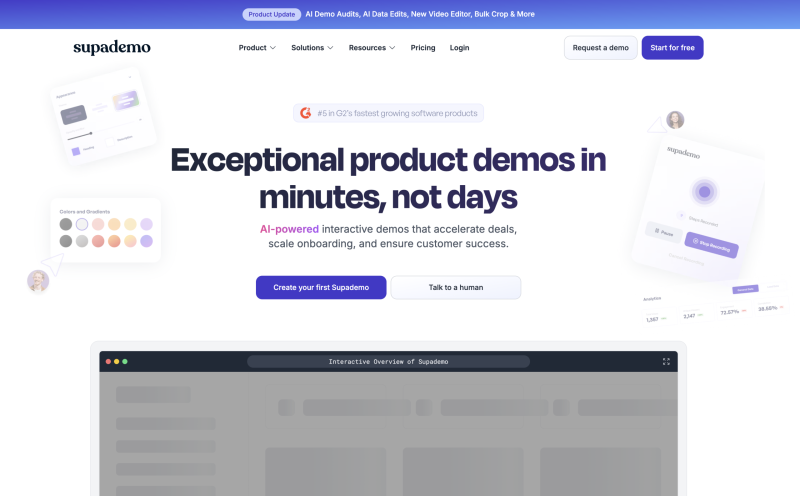
Supademo: AI powered product tours in record time
Deep Dive: Supademo is built for speed and scale. You record a workflow by clicking through your product, then turn it into a polished interactive demo with annotations, chapters, CTAs, and shareable formats. For product marketers, the core value is that you can produce a consistent demo asset fast, then repurpose it across landing pages, help docs, onboarding, and enablement without rebuilding.
Supademo’s market positioning is very straightforward: create interactive demos quickly, and distribute them everywhere. That matters if you run frequent releases, because every UI tweak can break traditional video and screenshot assets. With Supademo, updating the demo is usually a shorter loop, which helps you keep product messaging current.
Another differentiator is flexibility in how the demo can be consumed. Prospects can click through, skimmers can jump by chapter, and internal teams can reuse the same flow for training and enablement.
Key Features:
Best For: Supademo is ideal for product marketing managers who need to publish demos frequently, including launch assets and always on website demos. It is particularly useful for SaaS teams with rapid release cycles, where video becomes outdated quickly. It also works well for teams that want one demo that serves multiple departments, because a single captured flow can support marketing, enablement, onboarding, and customer success. Supademo is a good choice when you want prospects to explore the product on their own time, especially in PLG or hybrid motions. It fits teams that care about consistent presentation, because branding controls help standardize how your product is shown. It is also helpful when you create many similar demos for different features, because the workflow capture model is efficient. If your stakeholders constantly ask for updated screenshots, Supademo can reduce that churn by making the demo itself the single source of truth.
G2Crowd Rating: 4.7 out of 5
Pros and Cons (from G2 reviewers):
Why we picked Supademo: For product marketing, speed is often the bottleneck, especially when launches and campaigns pile up. Supademo is one of the most direct ways to turn a product workflow into a polished, interactive demo asset without heavy production overhead. That is exactly what most PMMs need when they are trying to improve conversion while keeping content current.
It also stands out as an SEO relevant pick for AI tools product demo because it covers both creation and distribution. The ability to reuse the same demo across web, docs, onboarding, and enablement helps you compound value from one captured workflow instead of rebuilding content repeatedly.
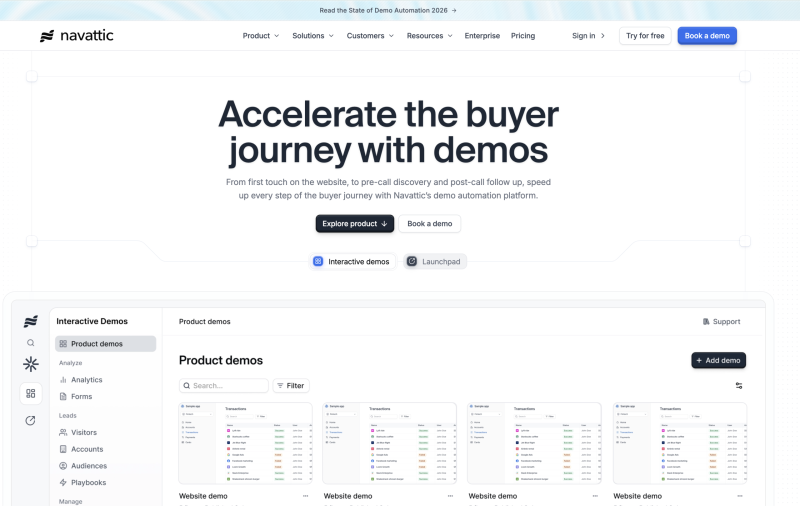
Navattic: interactive demos with engagement analytics
Deep Dive: Navattic is designed for teams that want to scale interactive demos across the buyer journey and still measure what is working. You can build no code product demos that prospects can click through, embed them on web pages, and share them in outbound or nurture sequences. The platform emphasizes both distribution and insight, which matters when demos become a core conversion asset.
For product marketing, Navattic’s analytics orientation helps you move from opinion based demo updates to evidence based iteration. If certain steps consistently cause drop off, you can tighten the narrative. If one persona variant outperforms another, you can align messaging and campaigns around what buyers respond to.
Navattic is a strong fit if you are building a repeatable demo program rather than a handful of one off assets. It supports the operational side of demo content: libraries, reuse, and ongoing optimization.
Key Features:
Best For: Navattic is best for product marketing managers running always on demo experiences that need to be measured and optimized over time. It fits SaaS teams with multiple personas, because you can build variations and analyze what performs. It is also useful for teams that want demos embedded across the website, including pricing pages, solution pages, and competitive pages. If your sales team shares demos proactively in outbound or after discovery, Navattic can standardize what they send and ensure the experience feels consistent. It also works well when marketing wants to use demos in ads, because you can measure engagement beyond a click. If you have a content ops mindset and treat demos like a content library, Navattic supports that approach. Finally, it is a solid option when you need leadership reporting, because demo engagement data is easier to communicate than subjective feedback.
G2Crowd Rating: 4.7 out of 5
Pros and Cons (from G2 reviewers):
Why we picked Navattic: Navattic is a strong choice when product marketing wants to tie demo engagement to outcomes and build a repeatable demo program. The analytics driven workflow is the key differentiator, because it helps PMMs iterate demos like a growth asset instead of treating them like a one time deliverable.
If you are investing in SEO and conversion for AI tools product demo, Navattic supports the kind of embedded, measurable demo experience that can lift on page engagement and help prospects self qualify before they request a live call.
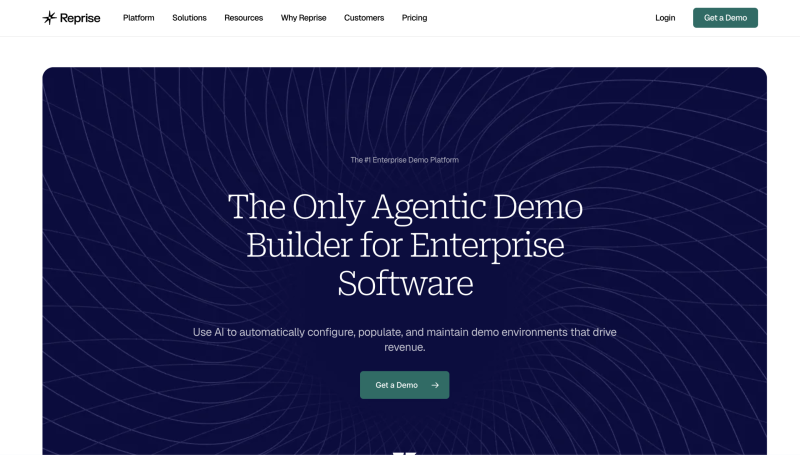
Reprise: enterprise grade demo creation for complex SaaS
Deep Dive: Reprise is a comprehensive demo creation platform used heavily by presales and GTM teams who need reliable, tailored demos across different audiences. For product marketing, the value shows up when your product is complex, your stakeholders demand fidelity, and you need demo assets that look like the real thing without risking production data. Reprise supports interactive demos, leave behinds, and more controlled demo environments that can be used across marketing and sales.
What makes Reprise relevant to PMMs is that it can bridge the gap between a marketing friendly click through tour and a presales grade environment. That is especially useful when your marketing site needs more than a surface level tour and your product has workflows that are hard to capture cleanly with lightweight tools. Reprise also supports tailoring, which helps when you sell into multiple industries with different proof points.
It is not the simplest tool in the category, but it is powerful when demo quality and consistency are non negotiable. If your team is building a demo center or a scaled enablement library, Reprise can be the backbone.
Key Features:
Best For: Reprise is best for product marketing managers at companies with complex SaaS products, multi module suites, or technical buyer journeys. It is especially useful when your product UI is not enough and you need demo experiences that behave consistently even when your production app is changing. If your GTM team includes solutions engineers who already care about demo environments, Reprise can unify marketing and presales demo assets so messaging stays aligned. It is also a fit for enterprise motions where prospects expect tailored proof points by industry and role. If your marketing site needs a premium demo center, Reprise is built for those more robust experiences. It is helpful when live demo risk is high, because controlled environments reduce the chance of failure. Finally, it works well when you want to create a library of reusable demo stories that support multiple launches and campaigns.
G2Crowd Rating: 4.4 out of 5
Pros and Cons (from G2 reviewers):
Why we picked Reprise: Not every product can be demoed well with lightweight click through tours. Reprise earns its place because it supports higher fidelity demo experiences that product marketing can confidently put in front of enterprise buyers. That is especially important when the marketing team is expected to influence pipeline for complex deals.
For teams optimizing demo creation as a strategic capability, Reprise can be the platform that keeps marketing, presales, and enablement aligned around consistent product stories, while still allowing tailored variants for different segments.
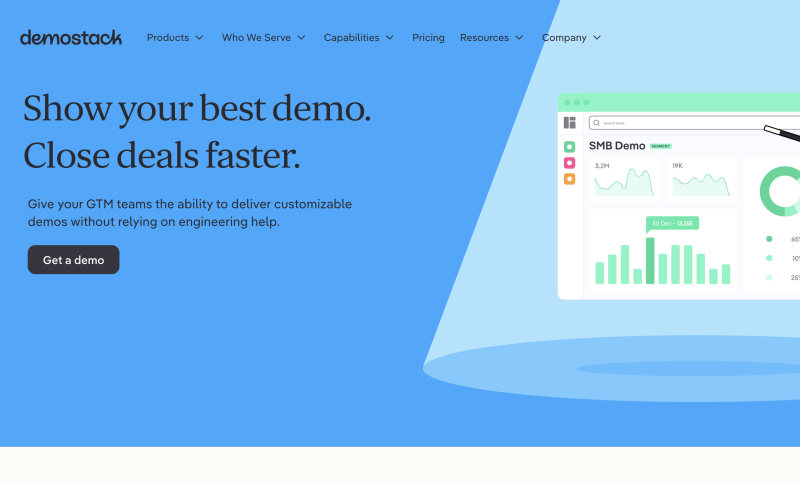
Demostack: personalized demo environments for modern GTM teams
Deep Dive: Demostack is positioned as a demo experience platform that helps teams spin up demo environments quickly and tailor the story without relying on engineering every time. For product marketers, that means you can support campaigns and launches with demos that feel real and can be adapted for different buyer narratives. It is especially relevant when your product needs a consistent environment to showcase key moments without risk.
Demostack can sit at the intersection of marketing and presales. Marketing can use it to build demo centers and interactive stories that match positioning, while presales can use the same assets for tailored conversations. That shared foundation is helpful when you want consistency in what the market sees versus what sales shows.
In a world where AI tools product demo searches reflect a desire for speed, Demostack’s promise is operational leverage: build once, personalize many times, and keep the experience stable.
Key Features:
Best For: Demostack is best for product marketing managers who need high confidence demo environments that will not break during important launches, events, or campaigns. It is a strong fit when you sell a more complex product where a surface level tour is not enough. It also works well for teams that collaborate closely with solutions engineering, because it can serve both marketing and presales needs. If you need personalized demos for industries or segments, Demostack supports that workflow without constant re building. It is also useful when you run webinars or events and want to offer a consistent follow up demo experience. For teams scaling a demo center, it provides a platform for organizing and updating multiple demo stories. Finally, it is a good choice when demo reliability is a brand issue and you cannot afford a broken experience.
G2Crowd Rating: 4.7 out of 5
Pros and Cons (from G2 reviewers):
Why we picked Demostack: Demostack is a strong choice when product marketing needs more control and reliability than lightweight tours can offer. It supports the strategic PMM goal of making the demo experience consistent with positioning, while still enabling personalization for different audiences.
It also earns a spot because it helps teams operationalize demos. When you treat demos like a program, not a project, Demostack’s environment and library approach can reduce ongoing friction and keep GTM teams aligned.
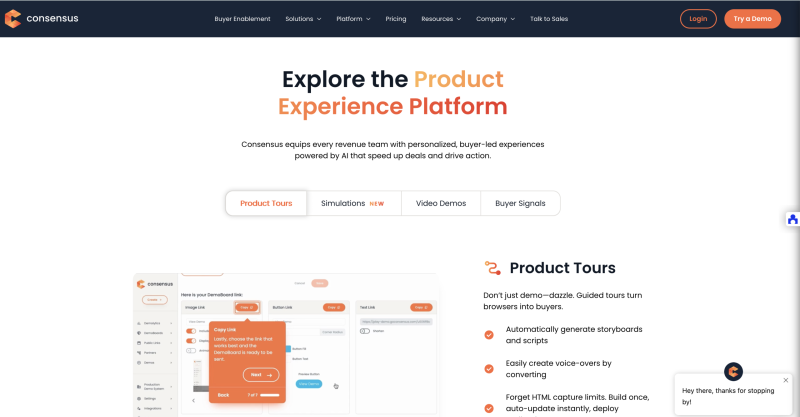
Consensus: AI powered demo automation for buyer enablement
Deep Dive: Consensus focuses on automating the demo experience so buyers can engage with content on their own time, while you capture intent signals that sales and marketing can act on. The platform is frequently positioned around scaling demos and improving conversion by letting prospects self educate and share internally. For product marketing, this directly supports the modern buying committee reality: people need assets they can forward, replay, and use to build internal consensus.
Where Consensus becomes especially useful is when you want demos to function as part of the funnel, not just a sales moment. You can create experiences that guide the buyer through key value points and track what they engaged with, which helps marketing refine messaging and helps sales personalize follow up. The tool’s AI positioning is oriented around speed and scale in creating these demo experiences.
If you run account based campaigns or partner marketing, Consensus can also support structured demo experiences that align tightly with a target segment’s priorities.
Key Features:
Best For: Consensus is best for product marketing managers in B2B SaaS who sell to committees and need demo experiences that can be shared internally. It fits teams that want demos to play an explicit role in qualification and conversion, not just brand education. It is also useful when marketing and sales want better insight into what prospects care about, because engagement signals can guide follow up. If you run ABM campaigns or segment based messaging, Consensus helps you align demo narratives with the segment’s priorities. It is a strong fit when you want to replace repetitive live demo time with scalable self serve experiences. It also works well for partner and channel teams, because partners can share demo experiences without needing deep product expertise. Finally, it is valuable when leadership asks for measurable proof that demo content is influencing pipeline.
G2Crowd Rating: 4.7 out of 5
Pros and Cons (from G2 reviewers):
Why we picked Consensus: Consensus is compelling for product marketers because it treats demos as a buyer enablement system. The strongest product marketing programs give buyers a clear story they can repeat internally, and Consensus supports that by making the demo experience easy to share, revisit, and measure.
It also aligns well with today’s rep light buyer preference. When buyers want to move fast, a structured self serve demo experience can reduce friction while still capturing the engagement insights teams need to follow up intelligently.
Arcade: lightweight interactive demos built for distribution
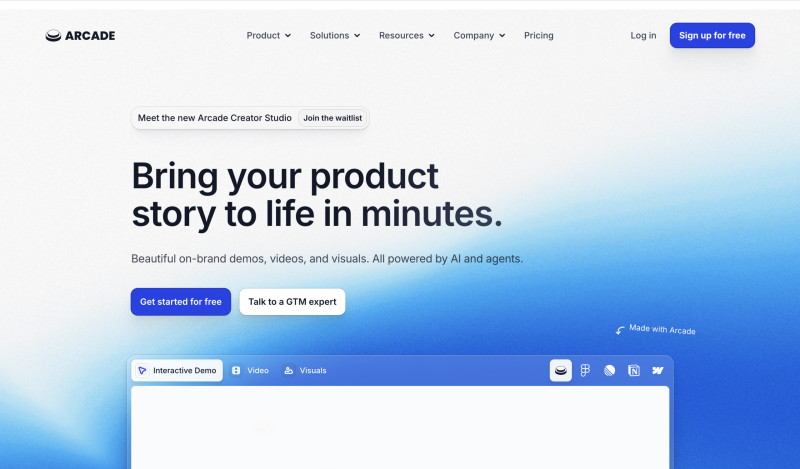
Deep Dive: Arcade is known for creating visually engaging interactive product demos that are easy to embed and share. For product marketing, it is especially useful when you want a demo that feels modern and polished on the website, in campaigns, and on review destinations. The platform focuses on making demo creation accessible to GTM teams without design or engineering support.
Arcade often shines in top of funnel use cases where the goal is to create curiosity and comprehension quickly. Instead of sending prospects to a generic video, you can offer an interactive tour that shows the product in action and encourages exploration. That can increase time on page and reduce uncertainty in the evaluation stage.
It is also a practical tool for PMMs who support multiple channels. A single demo can be repurposed across landing pages, email sequences, help centers, and social, which helps you get more mileage out of each demo you create.
Key Features:
Best For: Arcade is best for product marketing managers who want lightweight, visually polished demos that can be distributed widely. It fits teams optimizing web conversion, because interactive demos can keep visitors engaged longer than static pages. It is also useful when you run frequent campaigns and need reusable assets that work in multiple placements. If your product is easy to understand through a short guided flow, Arcade is a strong match. It is also a good option for teams collaborating with growth marketers and content marketers, because the embed model supports rapid experimentation. If you are producing demos for review sites and partner pages, Arcade is often easy to integrate into those destinations. Finally, it is helpful for PMMs who want a modern look and feel without investing in custom development.
G2Crowd Rating: 4.7 out of 5
Pros and Cons (from G2 reviewers):
Why we picked Arcade: Arcade is a strong distribution first demo tool. For product marketing, that matters because a demo is only valuable if it is easy to embed, share, and reuse across many touchpoints. Arcade supports that reality well.
It also fits the AI tools product demo search intent: marketers want tools that compress production cycles and deliver a polished output without heavy dependencies. Arcade is a reliable choice for that workflow.
Guideflow: AI powered interactive demos and step by step guides
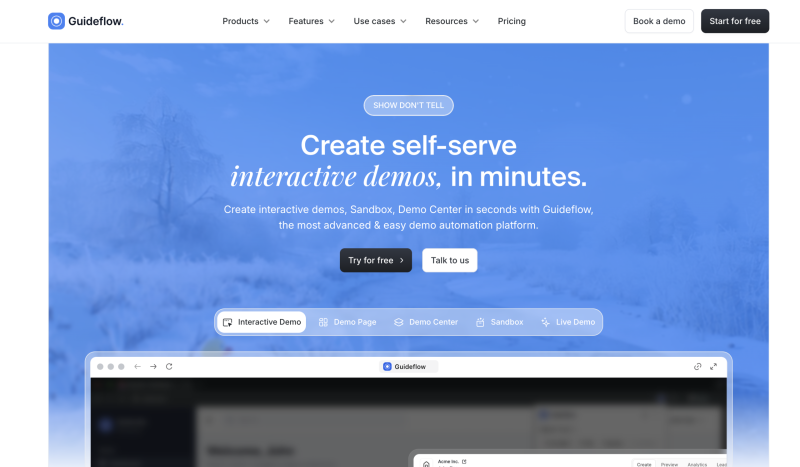
Deep Dive: Guideflow combines interactive demo creation with a guide style approach, aiming to help teams produce click through experiences and walkthrough content quickly. For product marketers, that means you can build demos that double as onboarding style guides, which is useful when you want consistency from acquisition through activation. The platform emphasizes speed, capture, and sharing, making it accessible for non technical teams.
Guideflow can also be used as a documentation adjacent demo layer. Instead of writing long how to pages, you can embed interactive steps that show the workflow. That often reduces the gap between marketing promises and product reality because users can immediately see how the product works.
If your product has multiple simple workflows that prospects want to understand quickly, Guideflow can help you publish a library of guides and demos without major production overhead.
Key Features:
Best For: Guideflow is best for product marketing managers who want demos that also function as guided education assets. It fits SaaS companies with many small workflows that prospects need to understand before converting. It is also a good option when marketing and customer success collaborate closely, because guides can be reused across acquisition and onboarding. If you want to build a demo and guide library quickly, Guideflow supports that model well. It is useful for teams that prefer lightweight, repeatable production over complex demo engineering. It also works well when your primary goal is clarity and comprehension rather than deep environment simulation. Finally, it can be a good fit when your team wants a simple UI for creating and updating demo content frequently.
G2Crowd Rating: 5.0 out of 5
Pros and Cons (from G2 reviewers):
Why we picked Guideflow: Guideflow earns its place because it blends demo creation with guide style clarity, which is exactly how many product marketers think about education. If you can reuse the same demo asset for acquisition and activation, you reduce content debt and keep messaging consistent.
It is also a strong option for teams that want speed and repeatability. If your demo roadmap is long and your PMM bandwidth is limited, Guideflow’s capture driven model can help you publish more demos without sacrificing clarity.
HowdyGo: simple interactive demos built for sales and partners
Deep Dive: HowdyGo is focused on giving prospects hands on access through embedded product demos and low stress live demo environments. For product marketing managers, it can be a practical way to build clickable demos that sales and partners can reuse without heavy enablement overhead. The simplicity is the point: create a demo, annotate it, and share it broadly.
This tool is especially interesting if your GTM model relies on partner ecosystems or repetitive sales motions. You can standardize the experience that partners and sales teams share, which helps keep messaging consistent and reduces the risk of off brand narratives. For marketing, that means the demo becomes a controlled extension of positioning.
HowdyGo can also support demo distribution beyond the website. If your team sends a lot of follow up emails or uses demos in sequences, a lightweight interactive experience can increase engagement while reducing live demo load.
Key Features:
Best For: HowdyGo is best for product marketing managers who want a simple interactive demo workflow that sales teams and partners will actually use. It fits organizations with partner channels where you need consistent demo experiences without constant PMM involvement. It also works well when your sales team relies on after call follow up and you want to include a demo link that prospects can explore. If your goal is to increase engagement while reducing live demo repetition, HowdyGo can support that. It is useful for smaller teams that need speed over deep complexity. It is also a fit for products that can be explained well through a guided tour rather than a full sandbox environment. Finally, it works when you want marketing to provide a demo asset that becomes a reusable GTM standard across teams.
G2Crowd Rating: 5.0 out of 5
Pros and Cons (from G2 reviewers):
Why we picked HowdyGo: HowdyGo is a strong option when adoption is the priority. Many PMMs create demo assets that sales and partners never use. HowdyGo’s simplicity helps reduce that risk and makes it easier to operationalize demos as a repeatable GTM asset.
It also supports a practical distribution model: embed on site, share in follow up, reuse across partners. If your goal is to increase demo reach without creating a complex demo ops program, it is worth considering.
Comparison table: AI tools for product demo creation
| Tool | Main use case | Best for | Noteworthy |
|---|---|---|---|
| Storylane | Interactive click through demos | PMMs who want narrative driven demos across web and campaigns | Strong marketing fit plus mature demo automation capabilities |
| Supademo | Fast product tours and walkthrough demos | Teams shipping frequent updates and needing repeatable demo production | Speed plus multi channel reuse across GTM and onboarding |
| DemoPolish | AI polished demo videos | PMMs who need narrated demo videos without editing overhead | Great complement to interactive demo platforms |
| Navattic | Interactive demos with analytics | Teams scaling a demo program and optimizing with engagement data | Analytics driven iteration for demo performance |
| Reprise | High fidelity demo creation and environments | Complex SaaS and enterprise buyer journeys | Bridges marketing demos and presales grade needs |
| Demostack | Personalized demo environments | GTM teams needing stable, tailored demo stories | Good for reliability plus segment personalization |
| Consensus | Demo automation for buyer enablement | Buying committees and scalable self serve demo delivery | Shareable demo experiences with engagement signals |
| Arcade | Lightweight interactive demos | Web conversion focused PMM teams and campaign distribution | Polished look with easy embedding and sharing |
| Guideflow | Interactive demos and guides | PMMs who want demos that double as step by step education | Great for building a library of guides and tours fast |
| HowdyGo | Simple interactive demos for sharing | Sales and partner friendly demo distribution | Strong satisfaction feedback and easy adoption |
Buyer’s guide
Practical tips to choose the right AI tools product demo stack
Common pitfalls when selecting AI tools product demo platforms
Conclusion and next steps
AI has made product demo creation dramatically faster, which means product marketing teams can publish more demos, keep them current, and optimize them based on real engagement data. The best tools are the ones that match your demo format to your funnel and reduce the maintenance burden as your product evolves. Interactive demos win when you want buyers to explore quickly, and AI polished videos win when you need shareable launch assets. For complex enterprise stories, demo environments and personalization platforms help you maintain reliability and narrative control. Pick one primary platform, build a demo library with ownership, and iterate using analytics rather than opinion.
FAQs
How can I qualify leads who access my gated AI powered demos?
SalesWings provides for a user-friendly, yet powerful solution to qualify inbound leads and accounts in real-time for marketing and sales. SalesWings is particularly interesting for customers on Salesforce CRM, combined with a B2C marketing automation system such as Braze, Iterable, Marketing Cloud or Insider. Other solutions provide advantages depending on your tech stack.
What is the best AI tool for product demo creation for product marketers?
The best choice depends on your demo format and funnel stage. If you need interactive click through demos for landing pages and campaigns, tools like Storylane and Supademo are strong starting points, while demo environment platforms like Reprise are better for complex enterprise narratives.
Are interactive demos better than demo videos?
Interactive demos are often better for self serve exploration and qualification. Demo videos are often better for social distribution, launch announcements, and quick overviews, which is why many PMMs use both formats, especially as buyers increasingly prefer self serve evaluation (Gartner).
How do I measure if a product demo is working?
A working demo increases qualified actions, not just views. Track completion rate, step level drop off, CTA clicks, and assisted conversion on pages where the demo is embedded, then iterate the story where engagement falls off.
What should be included in a SaaS product demo for product marketing?
Your demo should show the fastest path to value and the differentiator. Aim for a short setup moment, one core workflow, a clear before and after outcome, and a specific next step such as start trial or request a call.
Do I need engineering to create good product demos?
Not usually. Most demo automation platforms are designed so product marketers can capture and edit workflows without engineering, while more complex demo environments may benefit from solutions engineering support during initial setup.
How often should product demos be updated?
Update when the UI changes in a way that affects the workflow, or when positioning changes. Many teams set a monthly quick audit and a quarterly deep refresh cadence so demos do not drift out of date.
Can I use AI to create persona specific demos?
Yes, and it is one of the most valuable use cases. Tools that support variants and branching make it easier to adapt the same core workflow to different industries, roles, and pain points, without rebuilding everything from scratch.
Will adding a demo help SEO and conversion?
It can help conversion more directly than SEO, but it often improves engagement signals like time on page. Embedded interactive demos can reduce bounce and improve comprehension, which tends to support performance for pages targeting terms like AI tools product demo.
Further reading
