This article was updated on February 13, 2026 with an up-to-date FAQ section.
In today’s rapidly evolving tech landscape, staying ahead of the curve is imperative for businesses looking to maintain a competitive edge. Whether your team represents a great add-on or extension to a specific, popular piece of software or technology or you’re trying to get an edge on the competition — knowing what technology a brand utilizes is pivotal.
We’re often asked by prospects in the sales process “how did you find out what technology my website uses?”.
You can’t just call up and ask the CIO or their gatekeeper for a list of all the SaaS programs they use. Prospects know when you’ve done your research on their business. Being prepared for a sales conversation and knowing what they’re using for their marketing technology stack, web architecture or CRM gives you that competitive edge that can help you close the sale.
That’s why in this post we’ll show you how to find which technology websites are using. This research will ultimately help you find better prospects. Here are some tips on how my colleagues and I here at SalesWings do it.
Technology leaves footprints that other technologies can track and follow. Detecting and monitoring what technological solutions websites are using is an entire industry in itself. There are several small JavaScript applications available online that are designed to detect the underpinnings of websites and provide that information quickly.
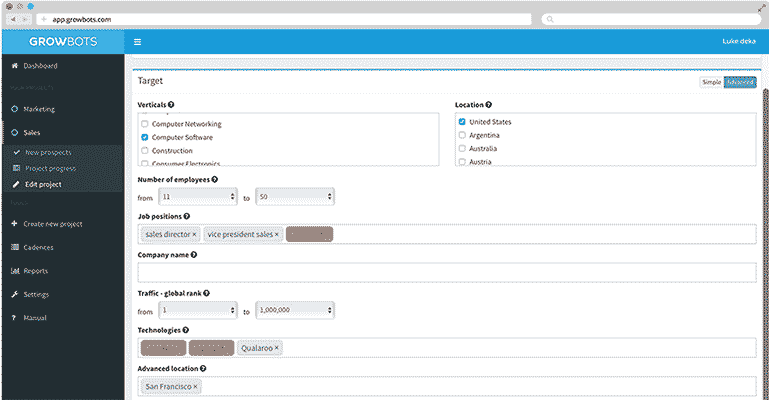
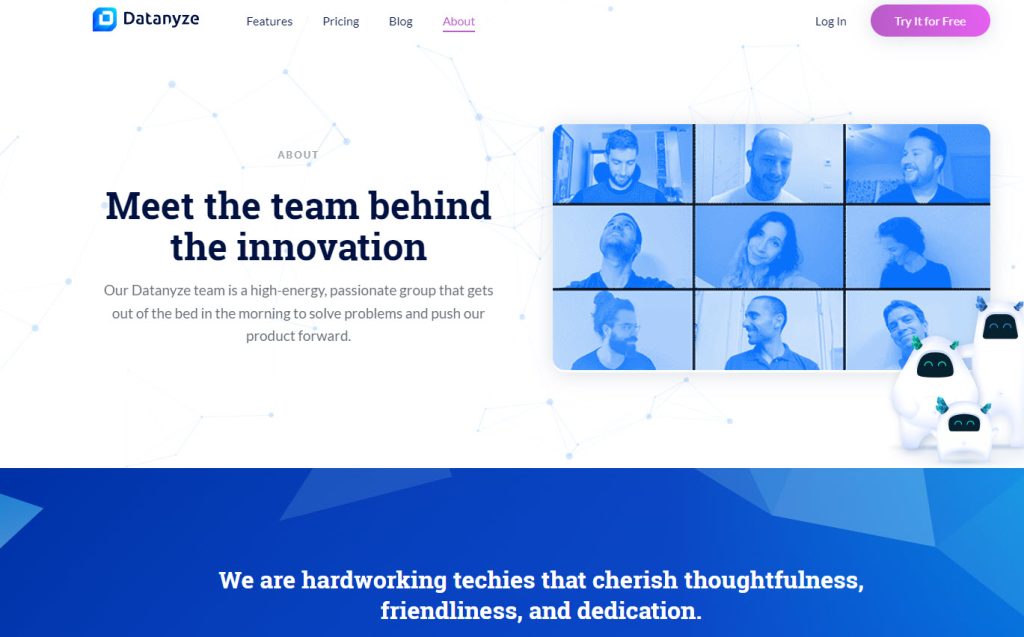
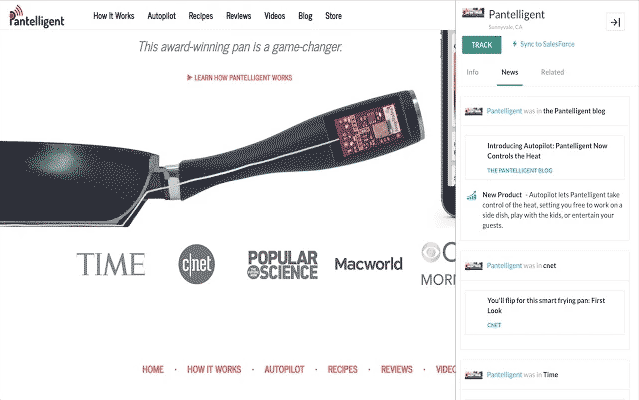
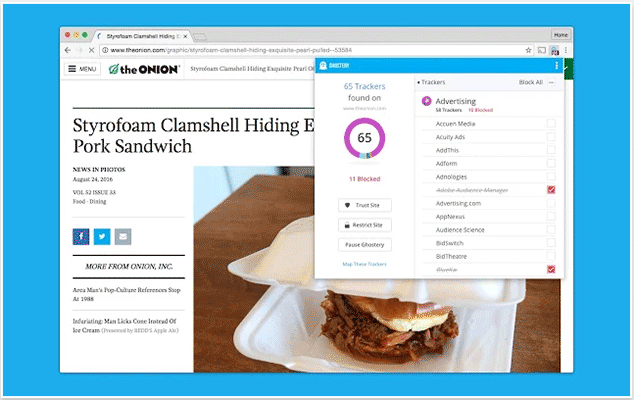
In this article, we’ll explore seven powerful tools that can help you uncover what technologies your companies of interest are leveraging. With these tools, unlock a wealth of information into brands and their techstacks making for easier sales calls, gaining an edge, and more. Let’s dive in. Datanyze monitors the web and mobile tools used by over 45 million companies. Therefore, it already knows who your prospects are. You can also segment them by budget, location, number of employees, revenue, and other factors. Once you have a list of perfect prospects, Datanyze searches for their email address, then exports the data to your CRM, a spreadsheet or other sales automation tool to assign to an outbound sales representative. Datanyze also makes a free plugin extension for Chrome. When using the plugin, simply clicking on the Datanyze icon reveals information about the company you are researching—including current technology providers. Similar Web offers a service much like Datanyze. Their homepage says they analyze around 28 million web pages daily. It too monitors technology stacks and Business Intelligence information such as company revenues and number of employees. And they search for email addresses. Their free Chrome browser extension uses LinkedIn to search for the best contact within the organization. It exports information to Salesforce and spreadsheets. They send you email alerts when a company starts or stops using a certain technology product. Ghostery gives you the tools needed to understand the different types of trackers and how they may impact your overall browsing experience, putting the power directly in your hands. You can decide which personal data you share with the trackers on the sites you visit. Compared to other solutions in this list, Growbots a complete outbound sales platform. It provides verified business contacts that fit your ideal customer profile and are segmented based on job titles, locations, industries, technologies in-use, number of employees and other options. With its built-in outbound email automation tool, you can send automated outreach email campaigns to connect with potential customers, at scale. Well here’s a no-brainer; last but not least, if you’re selling a technology and want to know for instance who’s using your competitor’s technology, there are some manual ways: Meet a fully automated add-on for advanced Lead Activity Scoring, which detects when people visit your website’s technology related pages! SalesWings is a quickly deployed software add-on for medium-sized businesses which identifies your most sales ready leads based on their website activity. It analyses the past and future visits of your leads and will score their level of engagement/interest. It automatically notifies the sales team about a lead’s interest, acting as an opportunity radar. The quickest path is using technographic tools that scan a domain and surface detected CMS, analytics, ecommerce, and infrastructure in seconds. Start with a site lookup, then validate key findings during discovery calls. For sales, focus on signals tied to your value prop such as specific CRMs, CDPs, email platforms, or ecommerce engines you integrate with. You can export results to your CRM and tag accounts by technology to personalize sequences and prioritize fit. Tip: Re-check high-value accounts quarterly, since stacks change. Track core platform categories you integrate with, competitive technologies you replace, and recent installation or churn signals. Prioritize CRMs, MAPs, CDPs, analytics, live chat, ABM, ecommerce engines, data warehouses, and consent tools. Flag “must-have” matches that unlock smoother demos, and tag competitive vendors to craft displacement messaging. Then, it’s advisable to layer in firmographics and buying roles, followed by scoring accounts by fit and urgency to focus sequences and talk tracks. Maintain a “watchlist” to revisit when technologies change. Tip: Sharpen your tech-driven messaging with our guide to improving your marketing game using technology. Build routing rules that prioritize fit by technology, assign experts by stack, and trigger sequences tailored to the detected ecosystem. Map detected platforms to the reps or teams best equipped to convert them; i.e. assign Salesforce-heavy accounts to specialists, or route competitive-displacement opportunities to senior reps. Fields like “Primary CRM,” “MAP,” and “Key Competitor” can be used for dynamic assignment and relevant cadences. Alerts for stack changes can be added to re-engage dormant accounts with fresh angles. Tip: Take a look at this list of proven Salesforce lead routing solutions here. Use automated technographic tools for speed and coverage, and manual checks for context, validation, and competitive nuances. Automated scanners reveal most fingerprints fast, helping you shortlist accounts and tailor outreach. Manual research (customer pages, review sites, careers pages, and release notes) adds the “why” behind the stack and spots recent changes a bot might miss. Tip: Combine both: scan first, verify details manually on strategic accounts, then update CRM fields and sequences accordingly. Detections are directionally reliable for most public web tags, but accuracy varies by category, site setup, and detection method. Script-based tools catch client-side tags (analytics, chat, pixels) well, while server-side or obfuscated setups are harder to see. Some vendors model usage from traffic and code patterns, so treat results as evidence, not gospel. Use alerts for intent cues, then validate during discovery or a lightweight technical check. Tip: Keep notes on false positives to refine your qualification criteria. Yes; browser extensions surface on-page technologies instantly, and LinkedIn helps confirm owners and buyers behind those tools. Use extensions during account research to capture CMS, analytics, or ABM pixels on the fly. Then pivot to LinkedIn to map admins, marketing ops, or revenue ops who influence those tools. Findings can be saved in CRM and outreach personalized with problem-solution context, not tool-name dumps. Tip: Re-scan before meetings to catch last-minute changes that may shift priorities or objections. Yes; focus on publicly visible web signals, avoid scraping personal data, and honor site policies and regional privacy regulations. Stick to domain-level technology fingerprints that tools legally collect from public pages. Don’t store or enrich with sensitive PII, and document sources and timestamps for compliance reviews. Offer value in outreach; explain why the detected stack matters and how you’ll improve outcomes, not just that you “saw a tag.” Tip: When in doubt, default to transparency and opt-out mechanisms. Further reading Top 8 Quip Alternatives for Sales teams Agentforce use cases for Sales Salesforce Native Integrations: Connecting Sales & Marketing Data 1. Datanyze
2. SimilarWeb


3. DataFox
4. Ghostery
5. Growbots
6. The manual way…


7. SalesWings
Frequently Asked Questions
How do I quickly identify website technology?
What should I track?
How should I route leads?
Is it better to identify website technology or research manually?
How accurate are detections and alerts?
How do I identify website technology using Chrome extensions or LinkedIn?
Does using this type of technology respect privacy laws?
Author Bio
 Philip Schweizer, SalesWings CEO and Head of Product. Philip Schweizer is a co-founder at SalesWings, a leading martech platform to optimize revenue operations at every step of the funnel through buyer insights. His experience encompasses designing and building marketing and sales technology stacks and operational processes, helping leading marketing and sales operations teams gain efficiency and outcomes around the processes that are at the very core of their day-to-day revenue operations.